Group Rules
Using group rules (the details for each of the available patterns can be found here: Grouper rules patterns) can be an empowering tool for local-IT or group administrators.
Using the rules
Browse to the group to which you would like to apply the rule
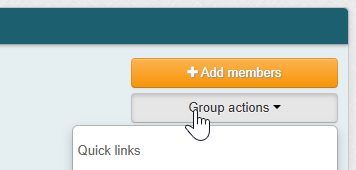
Select "Group actions" in the top right corner of the screen
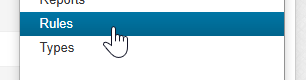
Scroll down in the menu and select "Rules"
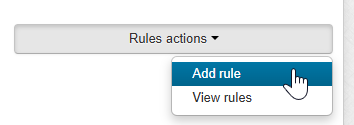
Click "Rules actions" and "Add rule"
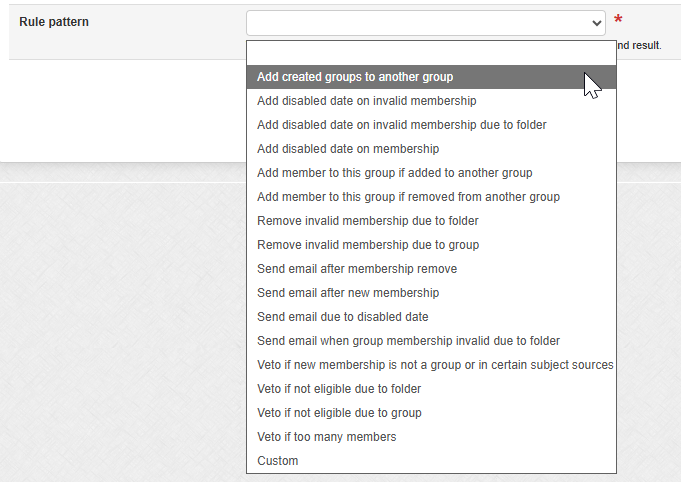
Choose the rule you wish to use and apply
Variables in emails
The following variables can be configured in the email messages that are sent to users by these rules. The formatting is this ${safeSubject.%Variable%()}
getAttributeValue(String attributeName)
getAttributeValueOrCommaSeparated(String attributeName)
getDescription()
getEmailAddress()
getId()
getName()
getSourceId()
getTypeName()